Best Seller Icon Bestseller

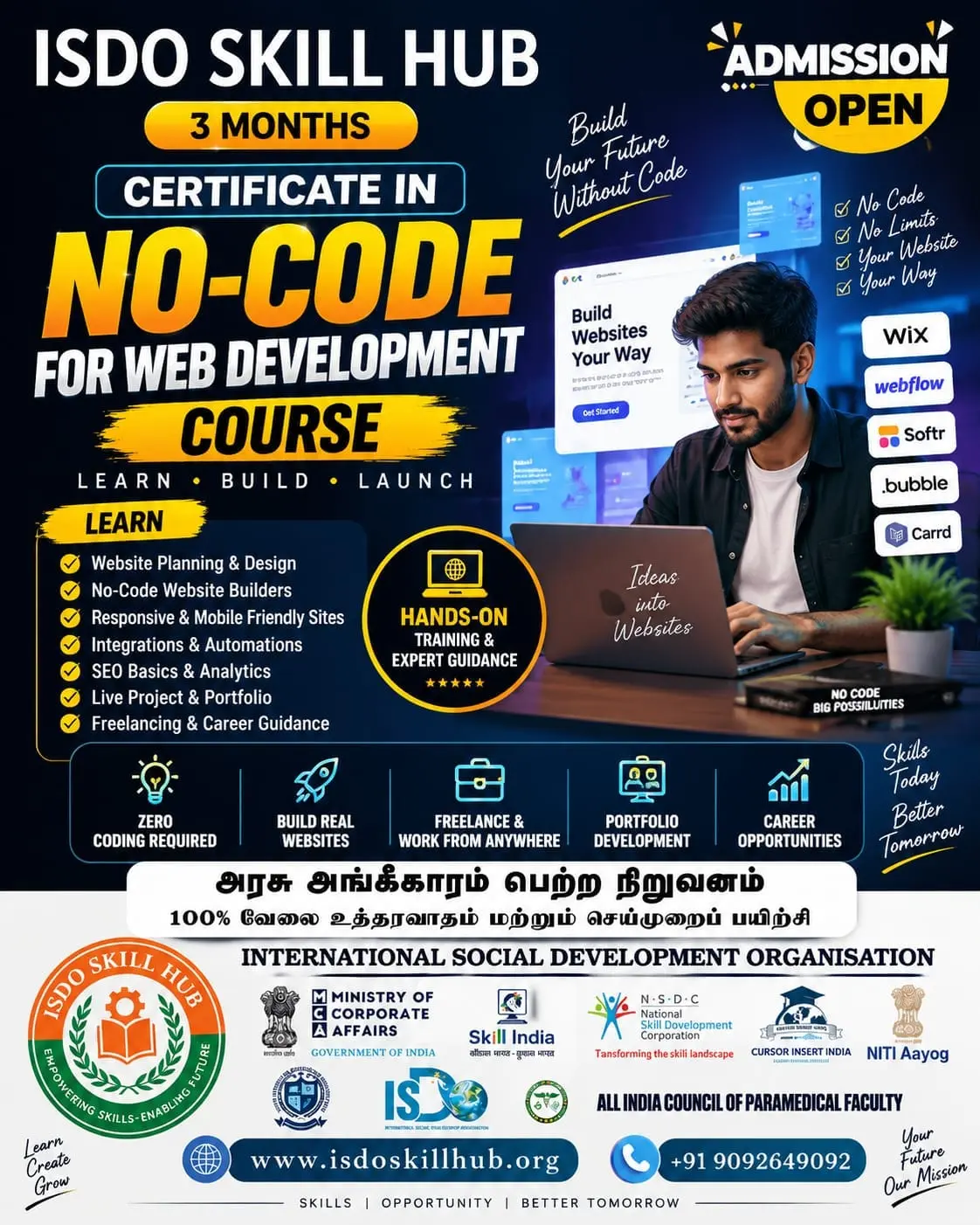
CERTIFICATE In AI WEBSITE BULIDER MASTERY WITH AI TOOLS(S-CAWBMWAT-7302)

  • Last updated Aug, 2026
  • Certified Course
₹7,000 ₹10,000

Course Includes

  • Duration3 Months
  • Enrolled0
  • Lectures90
  • Videos0
  • Notes0
  • CertificateYes

What you'll learn

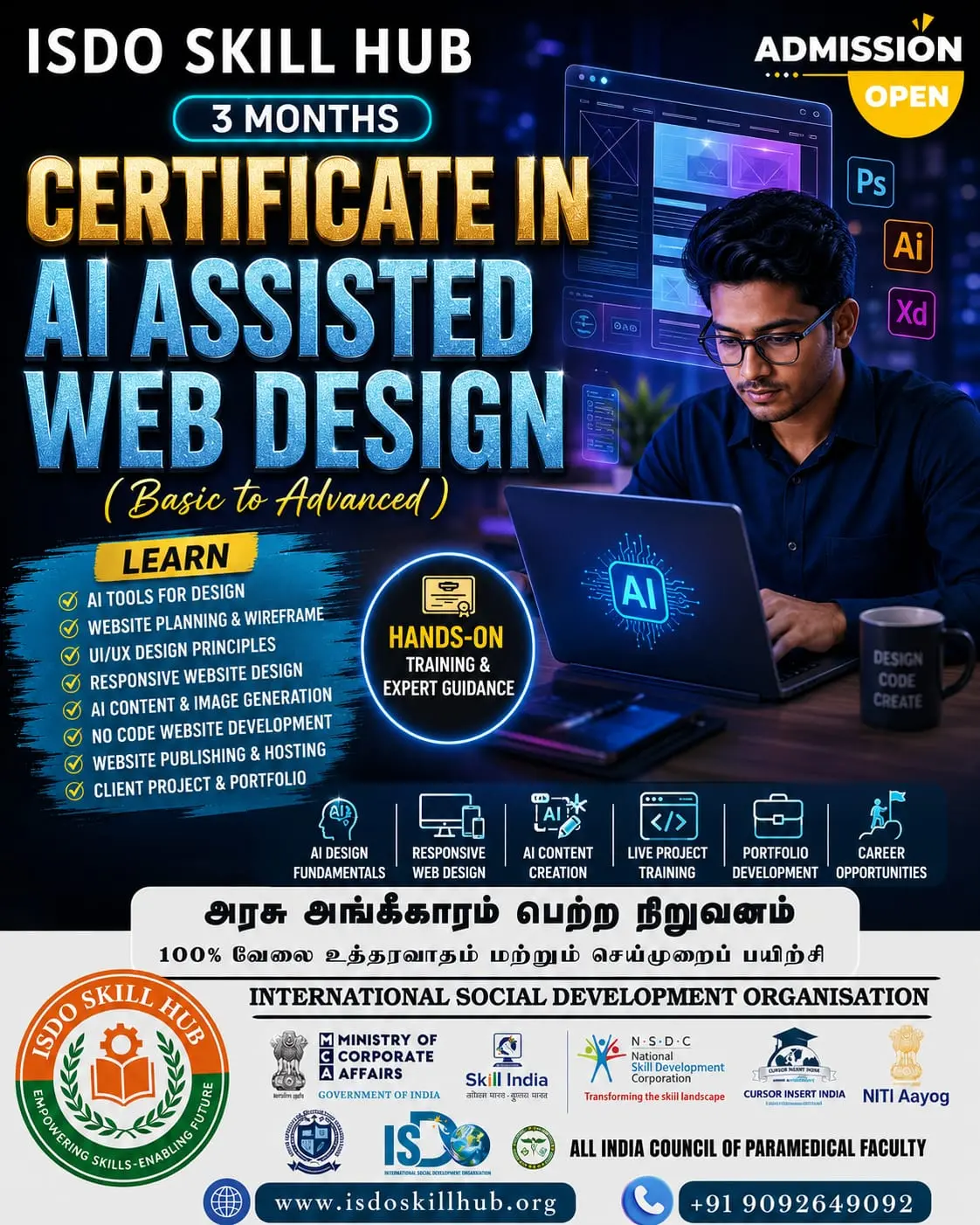
Master the art of building modern, professional websites using AI-powered website builders and smart development tools. Learn to create website layouts, generate content, customize designs, optimize SEO, improve responsiveness, integrate essential features, and launch functional websites with minimal coding through practical AI-assisted workflows.

Show More

Course Syllabus

Certificate in AI Website Builder Mastery with AI Tools


UNIT 1: AI Website Building Fundamentals

Theory

  1. Introduction to AI-powered website building
  2. What are AI website builders?
  3. Traditional website development vs. AI website building
  4. Types of websites and their purposes
  5. Understanding domains and hosting
  6. Website structure and navigation
  7. Introduction to UI/UX principles
  8. Responsive website design
  9. Website pages and sections
  10. Introduction to AI tools for website creation
  11. Writing effective prompts for website builders
  12. AI-generated content: benefits and limitations
  13. Reviewing and fact-checking AI output
  14. Basic website security and privacy

Practical

  1. Explore an AI website builder
  2. Create an AI-assisted website account/project
  3. Generate a website from a basic prompt
  4. Define website purpose and target audience
  5. Create a sitemap using AI
  6. Generate website page ideas
  7. Create a homepage structure
  8. Generate website section content
  9. Customize basic navigation
  10. Preview the website on desktop and mobile
  11. Review and improve AI-generated content

UNIT 2: AI-Assisted Website Design & Customization

Theory

  1. Website layout fundamentals
  2. UI/UX design principles
  3. Visual hierarchy
  4. Typography for websites
  5. Colour theory and brand colours
  6. Image selection and optimization
  7. Icons and visual elements
  8. Spacing and alignment
  9. Buttons and call-to-action elements
  10. Website consistency and branding
  11. Mobile-first design
  12. Accessibility basics
  13. Creating effective landing pages
  14. User experience and conversion principles

Practical

  1. Generate website layouts using AI
  2. Customize website templates
  3. Select typography
  4. Create a brand colour palette
  5. Add and edit images
  6. Create hero sections
  7. Design service/product sections
  8. Create CTA buttons
  9. Design testimonials and feature sections
  10. Create a contact section
  11. Optimize the layout for mobile devices
  12. Build a professional landing page

UNIT 3: AI Content Creation, SEO & Website Marketing

Theory

  1. Website content fundamentals
  2. AI-assisted content generation
  3. Writing effective website headlines
  4. About Us and service-page content
  5. Product/service descriptions
  6. AI-assisted copywriting
  7. SEO fundamentals
  8. Keywords and search intent
  9. Meta titles and meta descriptions
  10. Heading structure
  11. Image alt text
  12. Internal linking
  13. Local SEO basics
  14. Content marketing
  15. Social media integration
  16. Call-to-action optimization

Practical

  1. Generate homepage content using AI
  2. Create an About Us page
  3. Write service/product descriptions
  4. Generate SEO-friendly headings
  5. Create meta titles and descriptions
  6. Generate image alt text
  7. Create an SEO content plan
  8. Optimize existing website content
  9. Create a blog/article using AI assistance
  10. Add social media links
  11. Create CTA-focused sections
  12. Perform a basic SEO audit

UNIT 4: AI-Powered Website Features & Automation

Theory

  1. Website functionality fundamentals
  2. Forms and contact systems
  3. Booking and appointment features
  4. E-commerce fundamentals
  5. Payment integration concepts
  6. Chatbots and AI customer support
  7. AI-assisted FAQ creation
  8. Email marketing integration
  9. Newsletter forms
  10. Analytics and visitor tracking
  11. Third-party integrations
  12. Automation concepts
  13. Basic website security
  14. Data privacy and responsible AI use
  15. Website performance optimization

Practical

  1. Create a contact form
  2. Build a registration/enquiry form
  3. Create an FAQ section
  4. Add an AI chatbot where supported
  5. Create an appointment/booking section
  6. Add newsletter signup
  7. Integrate social media
  8. Add analytics/tracking where appropriate
  9. Create an automated enquiry workflow
  10. Build a simple product/service listing
  11. Test website forms and interactions
  12. Improve website loading performance

UNIT 5: Professional Website Building, Launch & Final Project

Theory

  1. Professional website planning
  2. Understanding client requirements
  3. Creating website briefs
  4. Website content planning
  5. Project workflow and management
  6. AI-assisted website development workflow
  7. Quality assurance and testing
  8. Cross-browser and responsive testing
  9. SEO and performance checks
  10. Domain connection and hosting concepts
  11. Website launch process
  12. Website maintenance and updates
  13. Analytics and performance monitoring
  14. Client presentation and feedback
  15. Portfolio development
  16. Freelancing opportunities and pricing basics

Practical

Project 1 – Business Website

  1. Select a business type
  2. Identify target audience
  3. Create website brief
  4. Generate sitemap using AI
  5. Create homepage
  6. Create About page
  7. Create Services page
  8. Create Contact page
  9. Apply branding
  10. Optimize for mobile
  11. Test all pages
  12. Publish/prepare the website for launch

Project 2 – Landing Page

  1. Define campaign objective
  2. Identify target audience
  3. Generate headline ideas with AI
  4. Create hero section
  5. Add benefits/features
  6. Add testimonials
  7. Add CTA
  8. Optimize content for SEO
  9. Test mobile responsiveness
  10. Improve conversion-focused layout

Final Project – Complete AI-Built Website

Step 1: Planning

  1. Select a website concept
  2. Define objectives
  3. Identify target audience
  4. Create project brief
  5. Generate sitemap

Step 2: Design

  1. Select website style
  2. Create colour palette
  3. Select typography
  4. Generate layout ideas with AI
  5. Design homepage

Step 3: Content

  1. Generate website copy
  2. Create service/product descriptions
  3. Add images
  4. Create FAQs
  5. Prepare SEO content

Step 4: Features

  1. Add forms
  2. Add CTA buttons
  3. Add social media
  4. Add booking/e-commerce features where appropriate
  5. Add analytics and integrations

Step 5: Optimization

  1. Check mobile responsiveness
  2. Optimize images
  3. Improve page speed
  4. Perform basic SEO audit
  5. Check accessibility
  6. Test links and forms

Step 6: Launch

  1. Connect domain
  2. Configure hosting/publishing settings
  3. Final quality check
  4. Publish the website
  5. Prepare website presentation
  6. Create portfolio documentation

3-Month Course Progression

MONTH 1 – AI Website Building & Design

Unit 1: AI Website Building Fundamentals

Unit 2: AI-Assisted Website Design & Customization

Students learn:

  • AI website builders
  • Prompt writing
  • Website structure
  • Sitemap creation
  • UI/UX
  • Responsive design
  • Typography
  • Colours
  • Branding
  • Landing-page design

Practical Project: Build a professional AI-assisted business landing page.


MONTH 2 – Content, SEO & Website Features

Unit 3: AI Content Creation, SEO & Website Marketing

Unit 4: AI-Powered Website Features & Automation

Students learn:

  • AI content creation
  • Website copywriting
  • SEO
  • Keywords
  • Meta descriptions
  • Image optimization
  • Forms
  • Chatbots
  • Booking features
  • Analytics
  • Automation
  • Performance optimization

Practical Project: Build a complete business website with SEO content and interactive features.


MONTH 3 – Professional Website Development & Launch

Unit 5: Professional Website Building, Launch & Final Project

Students complete the complete workflow:

Client Brief → Research → Sitemap → AI Prompt → Design → Content → Customization → Features → SEO → Mobile Optimization → Testing → Domain/Hosting → Launch → Presentation


Final Assessment

Theory Examination

Students will be assessed on:

  • AI website builders
  • Prompt engineering
  • Website structure
  • UI/UX
  • Responsive design
  • Typography and colour
  • AI content creation
  • SEO
  • Website features
  • Automation
  • Analytics
  • Performance
  • Security and privacy

Practical Examination

Students should demonstrate:

  1. Create a website using an AI builder
  2. Generate a sitemap
  3. Build a homepage
  4. Customize website design
  5. Create website content using AI
  6. Optimize basic SEO
  7. Add forms and interactive features
  8. Optimize mobile responsiveness
  9. Test website performance
  10. Prepare the website for publishing

Final Project

Create a complete professional AI-built website containing:

  • Homepage
  • About page
  • Services/Product page
  • Contact page
  • Responsive design
  • Brand colours and typography
  • AI-assisted website content
  • SEO optimization
  • Contact/enquiry form
  • FAQ section
  • Social-media integration
  • Analytics where appropriate
  • Performance optimization
  • Basic accessibility checks

Student Portfolio

The portfolio can include:

  • AI-generated landing page
  • Business website
  • Service/product website
  • SEO content samples
  • AI prompt examples
  • Website redesign project
  • Final published website
  • Before-and-after optimization results


Eligibility

Who can apply for this course

10th Pass

Course Fees

Course Fees
:
₹10000/-
Discounted Fees
:
₹ 7000/-
Course Duration
:
3 Months

Review

0.0
Course Rating (0 reviews)
0%
0%
0%
0%
0%


Call
Text Message
Review
Brochure
Email
CHAT