Course Syllabus
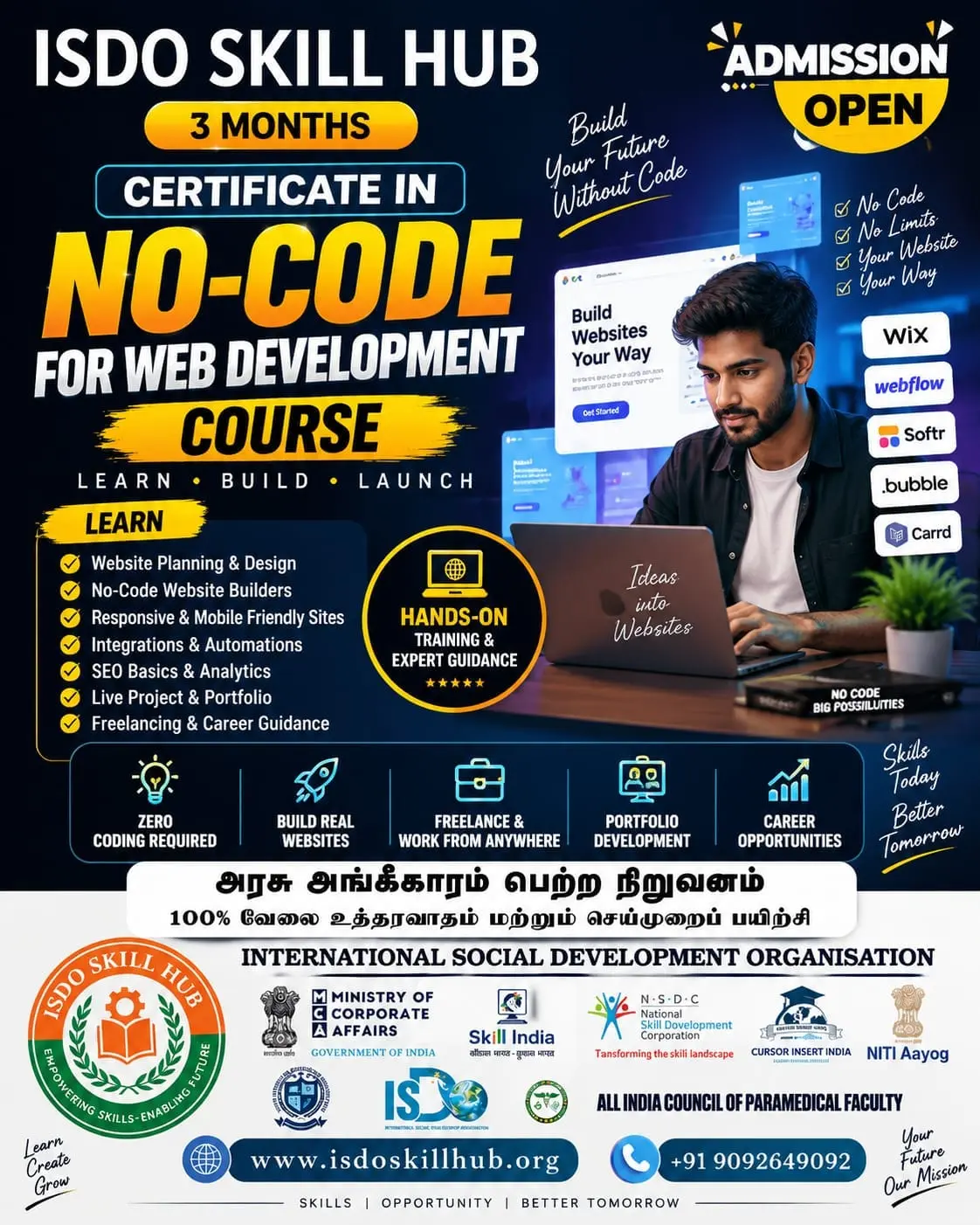
Duration: 3 Months
Level: Beginner to Intermediate
Structure: 5 Units | Theory + Practical
Training Method: AI-assisted design exercises, hands-on projects, website creation and portfolio development
Unit 1: Fundamentals of AI-Assisted Web Design
Theory Module
- Introduction to AI in web design
- Role of AI in modern website development
- Website design principles and design workflow
- Understanding UI and UX fundamentals
- Website structure and navigation
- Target audience and user requirements
- Design inspiration and mood boards
- Introduction to AI design tools
- AI prompts for web design
Practical Module – Step by Step
- Understand the requirements of a sample website.
- Identify the target audience.
- Create a website sitemap.
- Generate design ideas using AI tools.
- Create a mood board.
- Generate website content ideas using AI.
- Develop basic wireframes.
- Create a homepage design concept.
Unit 2: AI-Powered UI Design & Responsive Layouts
Theory Module
- UI design principles
- Layout and visual hierarchy
- Typography and colour selection
- Images, icons and visual elements
- Responsive web design concepts
- Mobile-first design
- Grid and spacing systems
- Website navigation and user experience
- AI-assisted UI generation
Practical Module – Step by Step
- Create a desktop website layout.
- Generate suitable colour palettes using AI.
- Select fonts and typography combinations.
- Generate or enhance visual assets with AI tools.
- Design navigation menus and buttons.
- Create responsive tablet layouts.
- Create mobile layouts.
- Compare desktop and mobile designs.
- Improve the design based on usability feedback.
Unit 3: AI Content, Images & Website Components
Theory Module
- AI-assisted website content creation
- Writing headlines and call-to-action content
- AI-generated product/service descriptions
- Image generation and image enhancement
- Website banners and hero sections
- Cards, forms and testimonials
- Content hierarchy and readability
- Brand consistency
- Copyright and responsible use of AI-generated content
Practical Module – Step by Step
- Generate homepage content using AI.
- Create headlines and taglines.
- Generate service or product descriptions.
- Create website banner concepts.
- Generate suitable visual assets.
- Design service/product cards.
- Create contact and enquiry forms.
- Create testimonial and FAQ sections.
- Review and edit AI-generated content for accuracy and quality.
Unit 4: AI-Assisted Website Development, SEO & Optimization
Theory Module
- Converting designs into functional websites
- AI website builders and visual development tools
- Basic HTML and CSS concepts
- Website components and page structure
- SEO fundamentals
- Keyword research with AI assistance
- Meta titles and descriptions
- Website speed and performance
- Accessibility and usability basics
- AI-assisted website testing
Practical Module – Step by Step
- Select an appropriate website-building platform.
- Build the homepage from the approved design.
- Create additional website pages.
- Add navigation and interactive elements.
- Insert AI-assisted content and images.
- Create SEO-friendly page titles and descriptions.
- Optimize images and website content.
- Check mobile responsiveness.
- Perform basic accessibility and usability checks.
- Test website links, forms and functionality.
Unit 5: Professional AI Web Design Project & Deployment
Theory Module
- Professional website design workflow
- Client requirements and project planning
- Website design consistency
- Website testing and quality assurance
- Basic analytics and performance monitoring
- Website publishing and deployment
- Domain and hosting basics
- Website maintenance
- AI-assisted design improvement
- Portfolio and presentation techniques
Practical Module – Step by Step
- Select a real-world website project.
- Prepare the project brief.
- Create the sitemap and wireframe.
- Develop the visual design using AI assistance.
- Create website content and visual assets.
- Build the complete responsive website.
- Add SEO and basic optimization.
- Test the website on different screen sizes.
- Fix design and functionality issues.
- Publish/deploy the website.
- Prepare project documentation.
- Present the completed website as a portfolio project.
3-Month Course Progression
MonthUnitsMain FocusMonth 1Units 1–2AI web design fundamentals, UI/UX and responsive layoutsMonth 2Units 3–4AI content, visual assets, website building, SEO and optimizationMonth 3Unit 5Professional project, testing, deployment and portfolio
Final Project
AI-Assisted Professional Website Design & Development Project
Students will plan, design and build a complete responsive website using AI-assisted tools, including sitemap, wireframes, UI design, AI-generated content/assets, responsive layouts, SEO, testing and deployment.
Assessment
- Theory Examination
- Practical Design Exercises
- UI/UX Assignment
- Responsive Website Assignment
- Final Website Project
- Portfolio Presentation & Viva

 Bestseller