What you'll learn
Video Production & Editing – Short Description
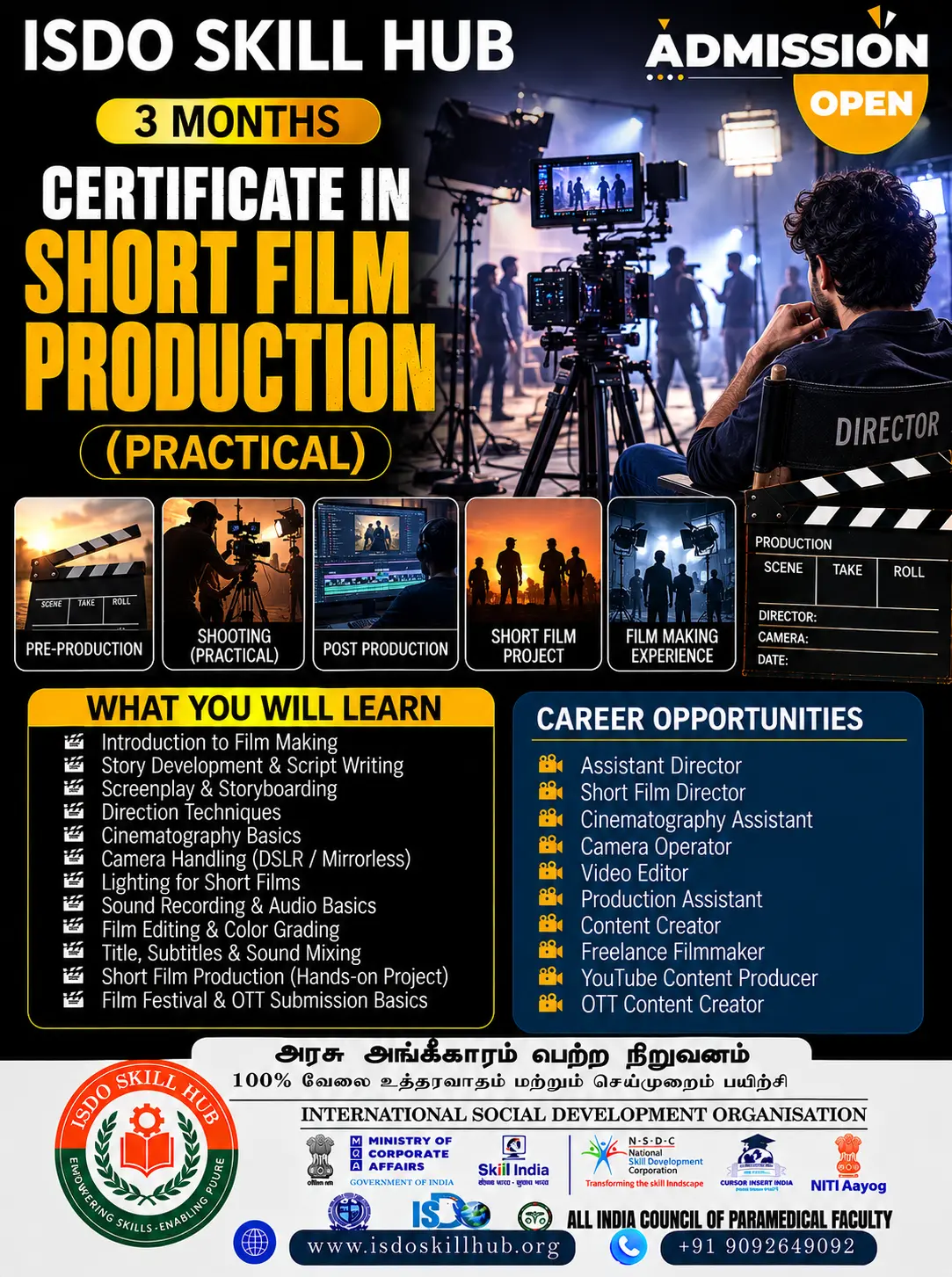
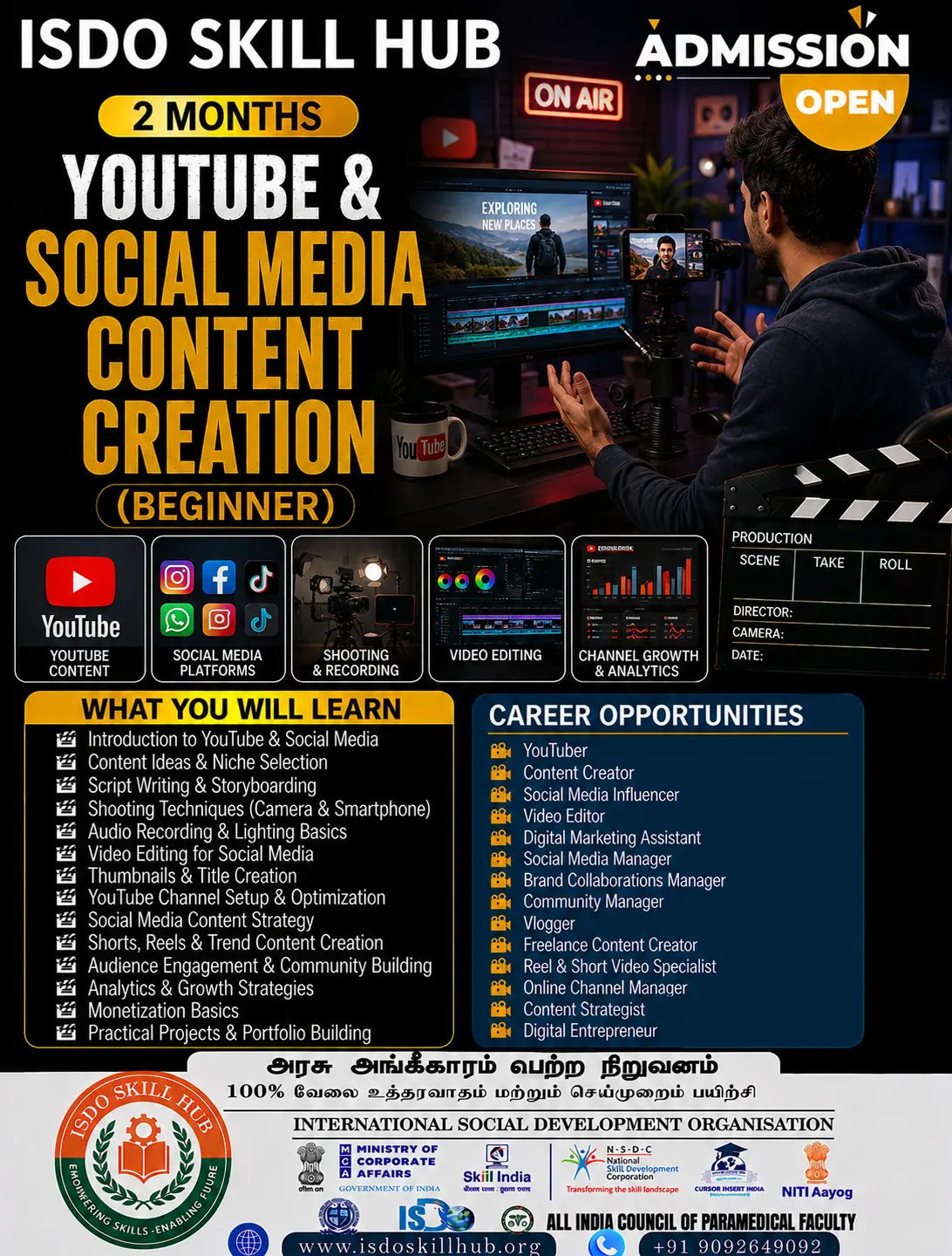
Develop professional skills in video production and editing, covering camera operation, shot composition, lighting, sound recording, video editing, transitions, colour correction, audio enhancement, titles, and post-production. Gain hands-on experience in creating engaging videos for films, social media, advertisements, events, and digital platforms.
Show More
Course Syllabus
Certificate in Video Production & Editing (Beginner)
UNIT 1: Introduction to Video Production & Camera Basics
Theory
- Introduction to video production
- Types of video content and production styles
- Pre-production, production and post-production
- Basic video production workflow
- Camera types and basic features
- Camera controls and settings
- Frame rate and resolution
- Aspect ratio and video formats
- Shot sizes and camera angles
- Basic composition and framing
- Camera safety and equipment handling
Practical
- Identifying camera and video equipment
- Camera setup and handling
- Basic camera settings
- Setting resolution and frame rate
- Focus and exposure practice
- White balance practice
- Wide, medium and close-up shots
- High-angle and low-angle shots
- Basic camera movements
- Rule-of-thirds composition exercise
- Shooting a simple 30–60 second video
UNIT 2: Cinematography, Lighting & Sound
Theory
- Fundamentals of cinematography
- Visual storytelling through camera
- Composition and framing techniques
- Camera movement
- Natural and artificial lighting
- Basic three-point lighting
- Key, fill and backlight
- Colour temperature
- Introduction to sound recording
- Types of microphones
- Dialogue and ambient sound
- Audio levels and monitoring
- Basic production safety
Practical
- Framing and composition exercises
- Camera movement practice
- Shooting a sequence using different shot sizes
- Natural-light shooting
- Basic three-point lighting setup
- Indoor lighting practice
- Outdoor lighting practice
- Microphone setup
- Recording clean dialogue
- Recording ambient sound
- Monitoring audio levels
- Shooting a short scene with camera, lighting and sound
UNIT 3: Video Editing Fundamentals
Theory
- Introduction to video editing
- Popular editing software and workflows
- Editing interface and tools
- Importing and organizing media
- Timeline and sequence settings
- Cutting and trimming
- Basic editing principles
- Continuity and shot arrangement
- Transitions
- Titles and subtitles
- Basic audio editing
- Export settings and video formats
Practical
- Creating a new editing project
- Importing video, audio and image files
- Organizing media folders
- Creating a timeline
- Selecting and trimming clips
- Cutting unwanted footage
- Arranging clips in sequence
- Adding basic transitions
- Creating titles
- Adding subtitles
- Adding background music
- Adjusting basic audio levels
- Exporting a completed video
UNIT 4: Advanced Beginner Editing, Colour & Audio
Theory
- Editing for storytelling
- Pacing and rhythm
- Continuity editing
- B-roll and cutaway techniques
- Basic colour correction
- Exposure and white-balance correction
- Colour grading fundamentals
- Audio cleanup
- Dialogue and music balancing
- Sound effects
- Basic video effects
- Graphics and lower thirds
- Social-media video formats
- Video quality and delivery standards
Practical
- Editing a complete story sequence
- Using B-roll effectively
- Creating smooth cuts
- Improving video pacing
- Basic exposure correction
- White-balance correction
- Applying a simple colour grade
- Cleaning basic audio
- Balancing dialogue and music
- Adding sound effects
- Creating lower-third graphics
- Creating a social-media video
- Exporting videos in different formats
UNIT 5: Professional Video Production & Final Project
Theory
- Complete video production workflow
- Concept and content planning
- Script and shot-list preparation
- Production scheduling
- Basic budgeting
- Team roles and responsibilities
- Client communication
- Video production for social media
- Promotional and corporate videos
- Event and interview videos
- File organization and backup
- Basic video marketing
- Portfolio and showreel development
- Professional ethics and copyright basics
Practical
Pre-Production
- Select a video project
- Develop the concept
- Write a simple script
- Prepare a storyboard
- Create a shot list
- Plan location and equipment
- Prepare a basic shooting schedule
Production
- Set up camera
- Set up lighting
- Set up sound
- Record the planned shots
- Capture B-roll
- Conduct a basic interview
- Review and organize footage
Post-Production
- Import and organize footage
- Create the rough cut
- Complete the final edit
- Add music and sound effects
- Apply basic colour correction
- Add titles and graphics
- Export the final video
- Create a basic portfolio/showreel
3-Month Course Progression
MONTH 1 – Production Fundamentals
Unit 1: Video Production & Camera Basics
Unit 2: Cinematography, Lighting & Sound
Students learn:
- Camera operation
- Framing and composition
- Shot sizes
- Camera movements
- Lighting
- Microphones
- Sound recording
- Basic production workflow
Practical Project: Create a 1–2 minute short video using planned shots, lighting and recorded sound.
MONTH 2 – Video Editing & Post-Production
Unit 3: Video Editing Fundamentals
Unit 4: Editing, Colour & Audio
Students learn:
- Editing software workflow
- Timeline editing
- Cutting and trimming
- Transitions
- Titles
- Audio editing
- B-roll
- Colour correction
- Basic colour grading
- Social-media video editing
Practical Project: Edit a 2–3 minute video with music, titles, sound and basic colour correction.
MONTH 3 – Professional Video Project
Unit 5: Professional Video Production & Final Project
Students complete:
Concept → Script → Storyboard → Shot List → Production → Camera → Lighting → Sound → Editing → Audio → Colour → Titles → Export → Presentation
Suggested Projects
- Short promotional video
- Interview video
- Social-media reel
- Event highlight video
- Short storytelling video
Final Practical Assessment
Students should demonstrate the complete workflow:
Planning → Camera Setup → Framing → Lighting → Sound Recording → Shooting → Media Organization → Editing → Audio Mixing → Colour Correction → Titles → Export
Final Project
Create a 3–5 minute professional video such as a:
- Short film
- Promotional video
- Interview
- Event video
- Educational video
- Social-media content
Final Assessment Includes
Theory Examination
- Camera
- Cinematography
- Lighting
- Sound
- Editing
- Colour
- Post-production
Practical Examination
- Camera setup
- Shot composition
- Lighting
- Sound recording
- Video editing
- Audio adjustment
- Colour correction
- Final export
Portfolio
- 2–3 completed video projects
- Basic editing showreel
- Production photographs
- Final project presentation

 Bestseller